Guided setup, My properties and a shorter menu
A week of updates, part 1: a guided setup for new properties, one page for all your properties and the people on them, a shorter menu and discount codes.
We've packed a heap into Trees n Bees since our last update, so we're sharing it in three parts. This first one is about getting set up and running your properties.
Guided setup
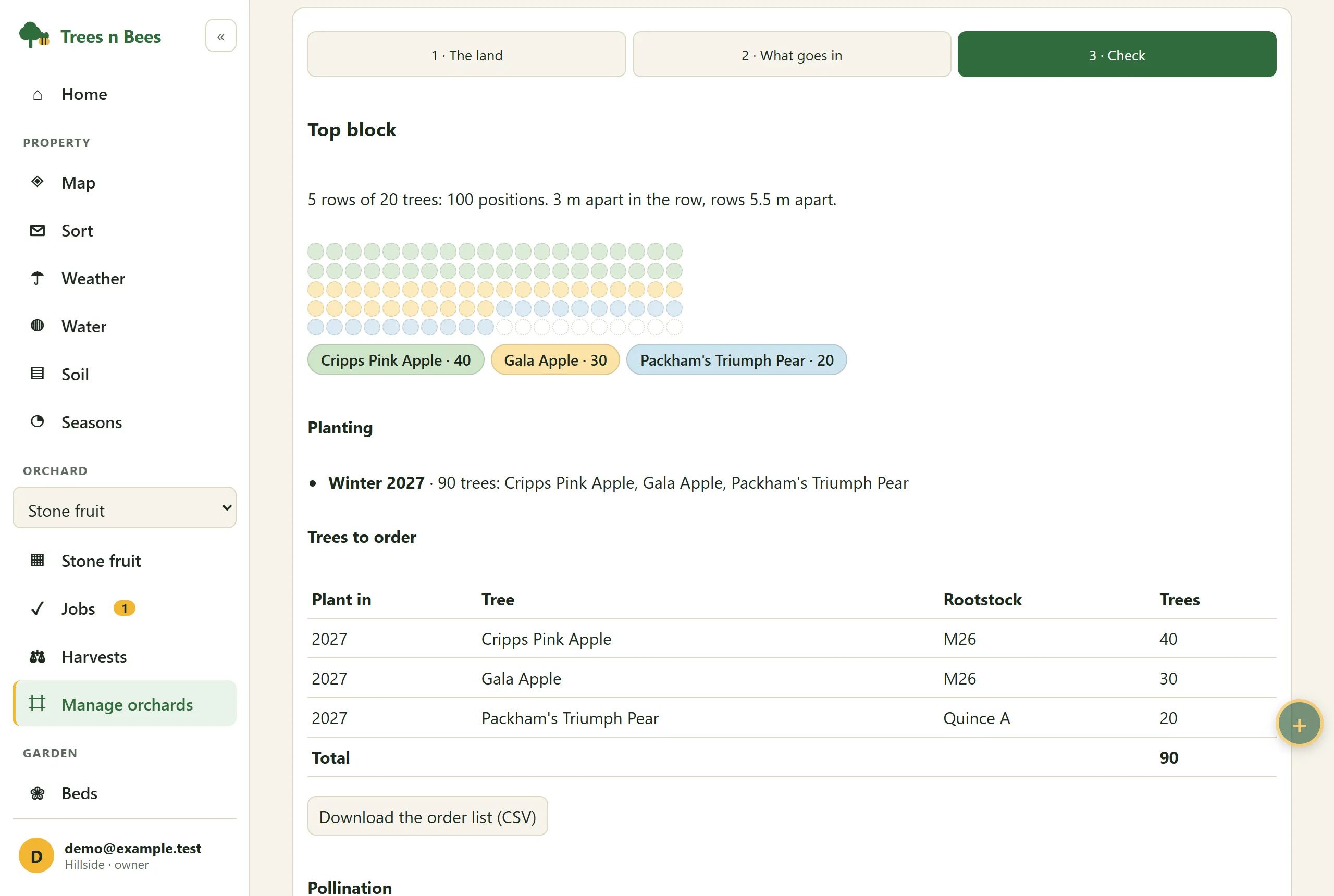
After you name a new property, Trees n Bees now walks you through it one screen at a time. First, what you grow or keep: fruit trees, veg beds, bee hives. Then, for each one you choose:
Orchards: a name, how many rows and how many trees in each row, and what's planted: one variety for every tree, a variety for each row, or leave it for later.
Veg beds: how many, and their names if you like.
Bee hives: how many, how their names start (H1, H2…) and what kind most of them are.
You can skip any screen, or the whole setup, and it picks up where you were if you close the app. Already have a property? The setup opens once for you too, with what your property already has ticked, and you can start it again any time from Property settings.
A shorter menu
The menu now shows only what your property has. No hives? No bee pages. Change it in Property settings → What this property has. Pages you turn off keep all their records and come back when you turn them on.
My properties
A new page for the properties you set up, opened from the account menu. It lists each property with how many of your plan's places it has used, and opens or renames any of them.
People across your properties: see everyone on any of your properties with their level on each. Choose a level to give someone another property straight away, without a new invite, or No access to take them off one. What they recorded stays.
Invite someone to several properties at once: enter their email and choose a level for each property. They get one email.
One owner per property: the account that set it up and whose plan it runs on. Everyone else is a designer, manager, worker or viewer.